Video Editing Studio Pro – Complete Editor’s Toolkit
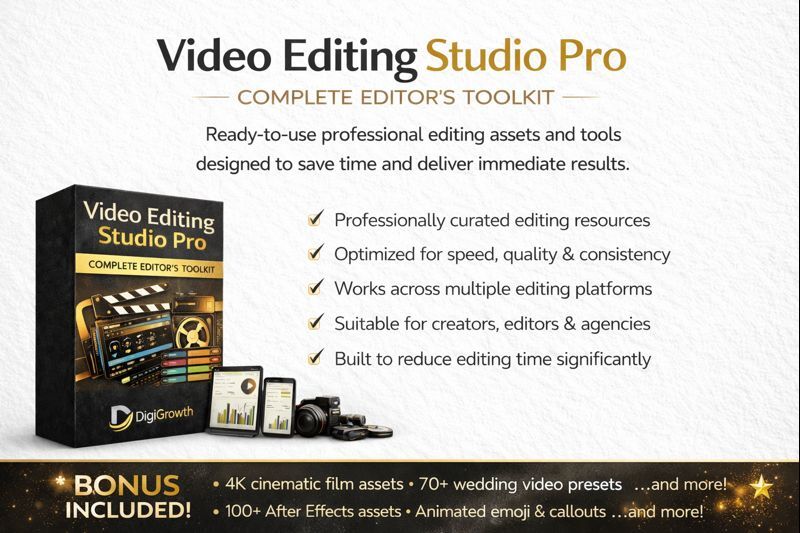
🎬 Video Editing Studio Pro – Complete Editor’s Toolkit
This is not just a software pack — it’s a complete professional video editing ecosystem built for editors, creators, freelancers, and agencies who want everything in one place. From editing and design tools to ready-made assets and tutorials, this setup is designed to help you start editing professionally from day one.
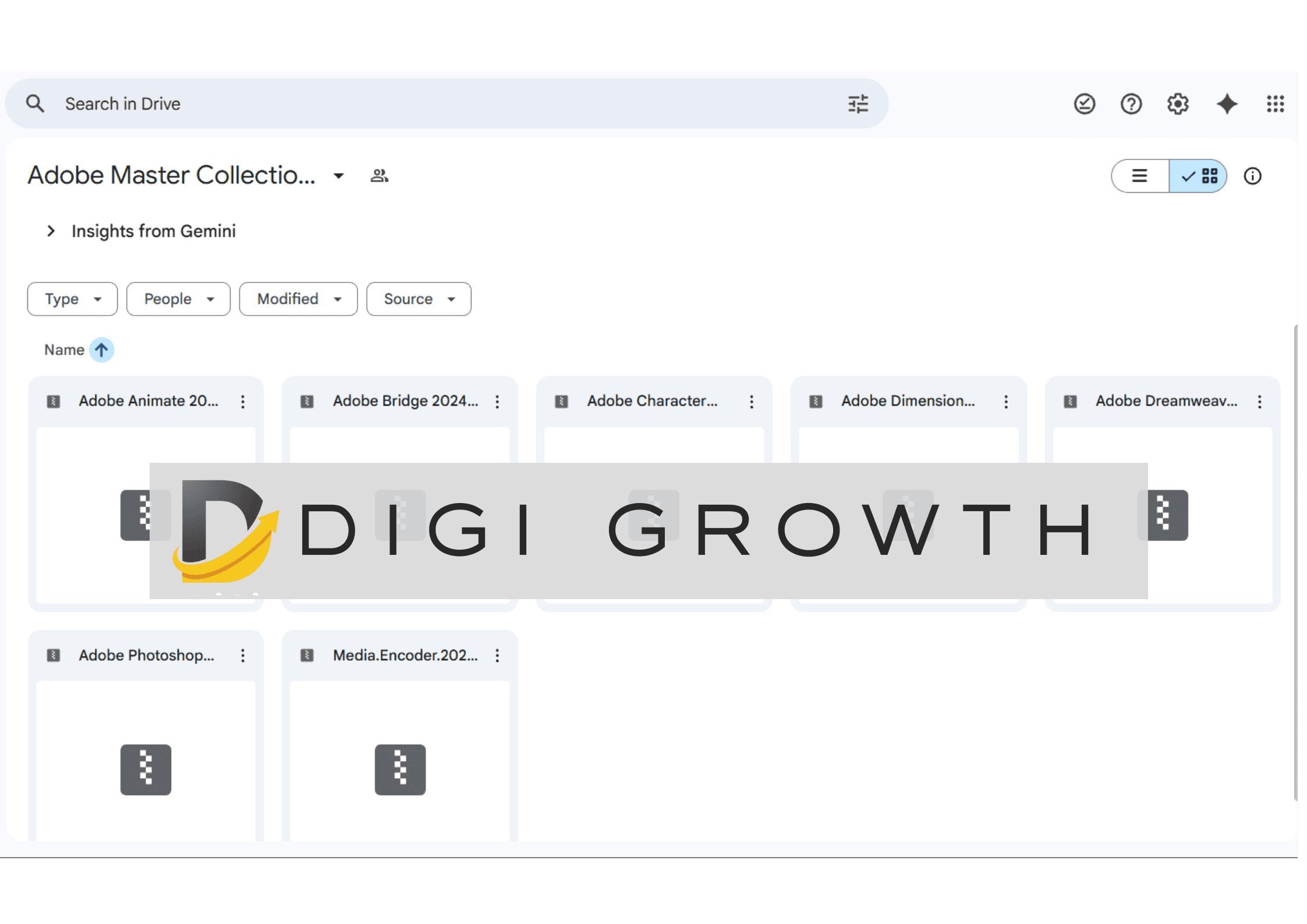
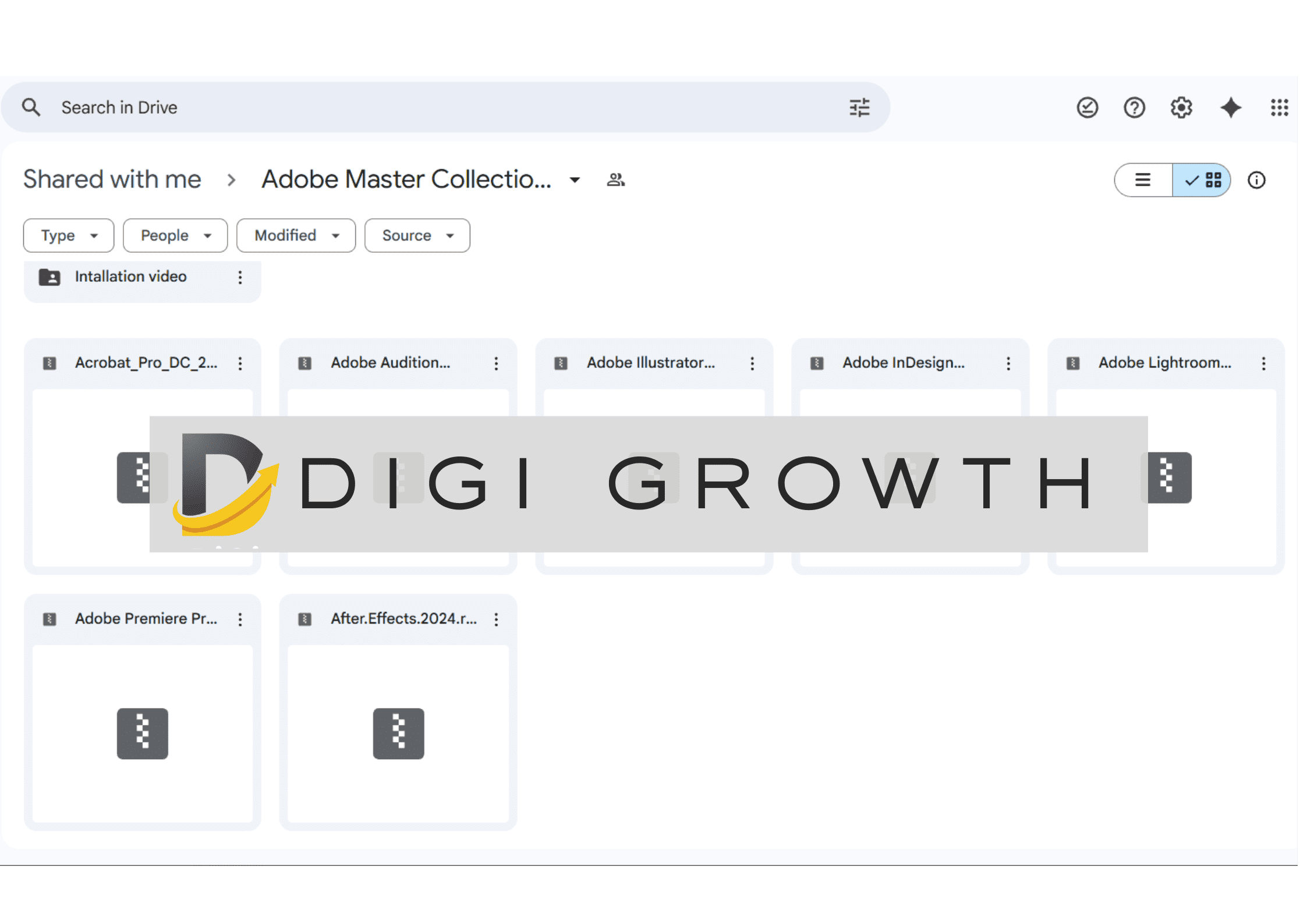
At the heart of this toolkit is the Adobe Master Collection 2024 — the industry-standard suite used for video editing, motion graphics, graphic design, photo editing, audio production, and document work. This is the foundation required to do any serious creative or client-level editing work.
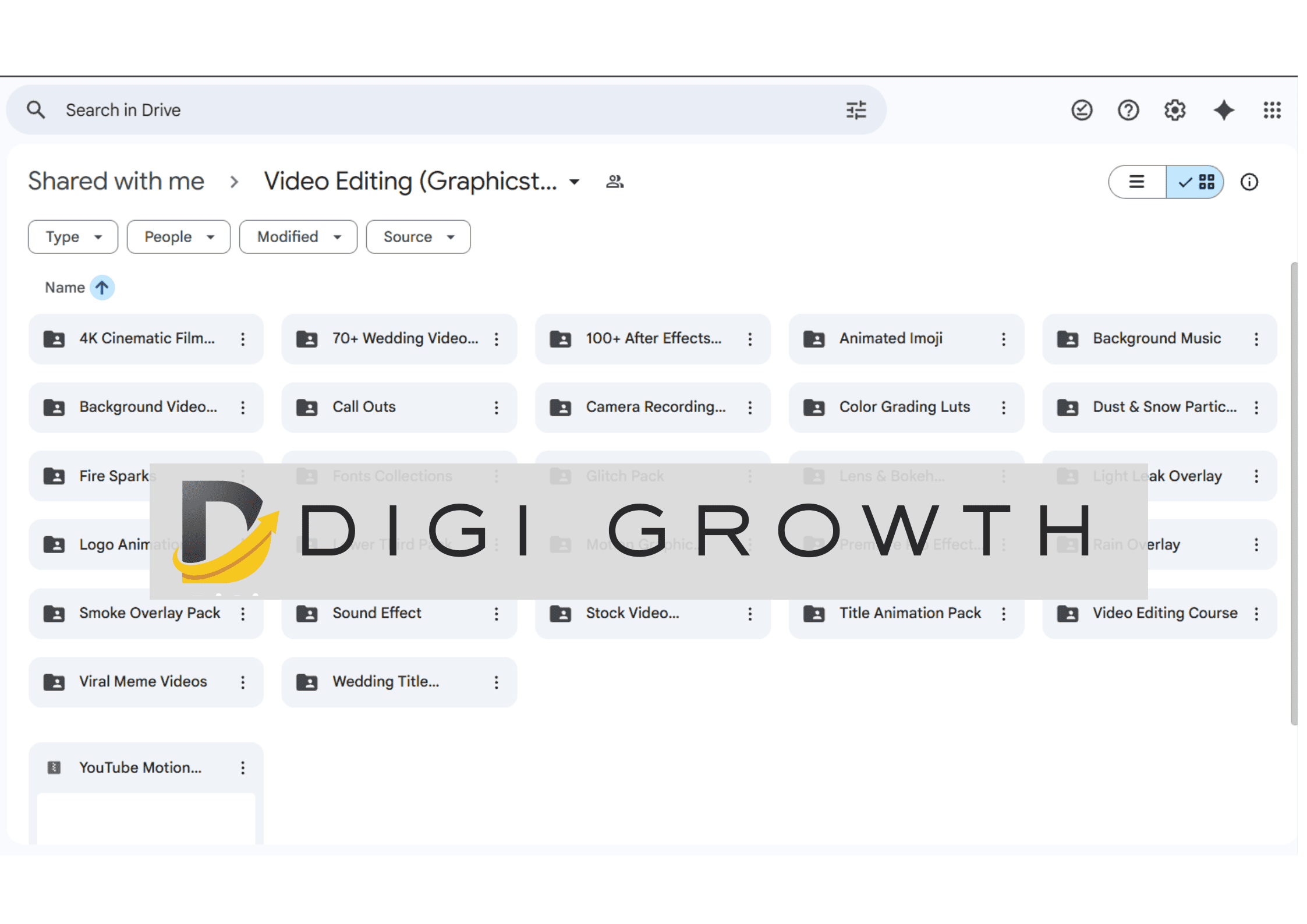
Instantly access cinematic video footage (including 4K clips), overlays, transitions, effects, motion graphics, titles, lower thirds, reels assets, YouTube elements, and meme-ready resources — so you never have to search or buy assets separately again.
This setup removes friction from your editing process. Instead of building everything from scratch, you get pre-designed elements that speed up your workflow and help you deliver polished, professional-quality videos for clients, social media, and brands.
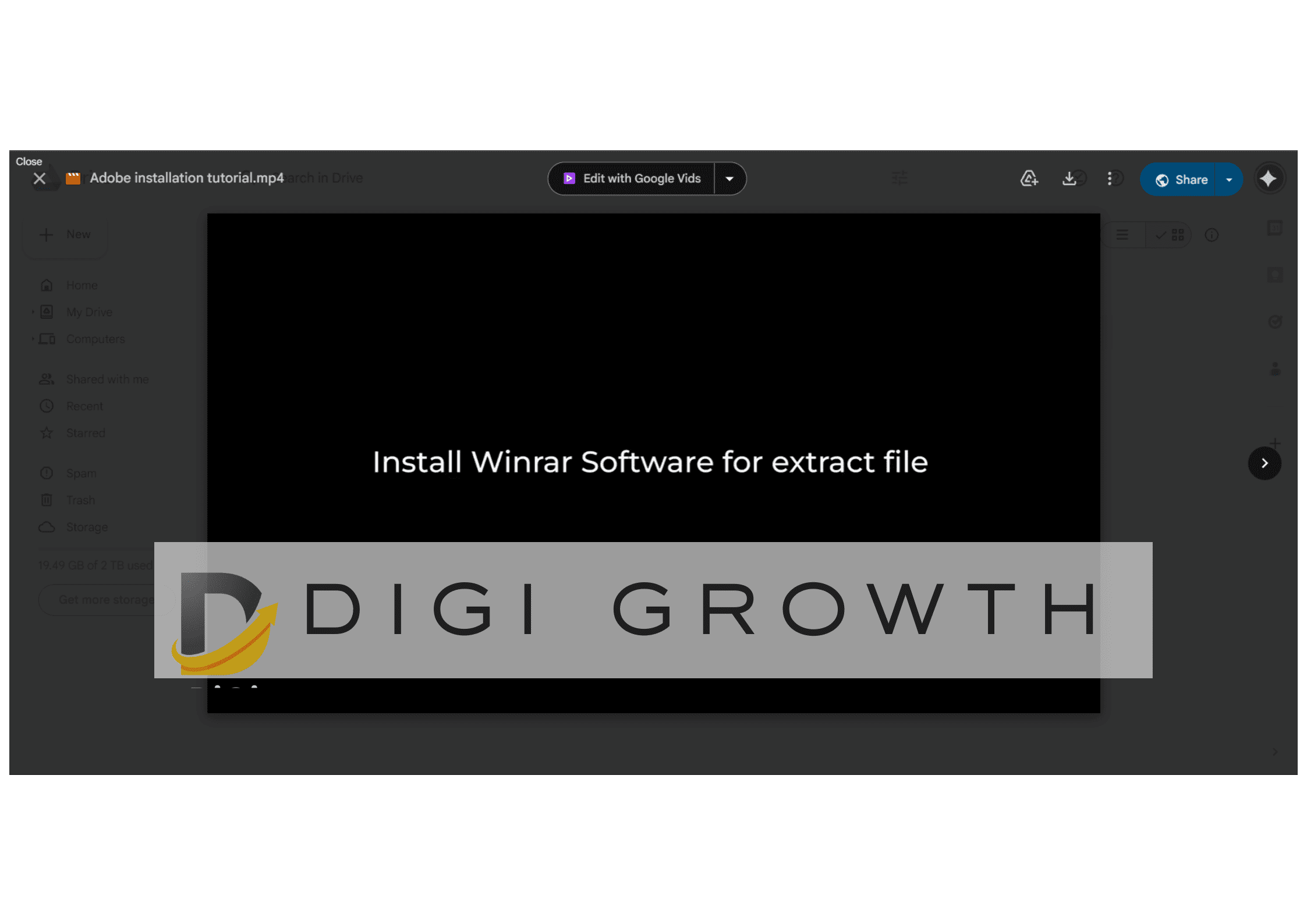
Step-by-step installation guidance is included to help you set up everything correctly. Even if you’re not technical, you can follow the instructions and get your full editing system running smoothly without confusion or errors.
Beginner to intermediate video editing tutorials are included so you don’t just download tools — you actually learn how to use them. These tutorials help you understand the workflow, features, and practical use of the setup.
Inside the Video Editing Studio Pro Toolkit
What Creators Are Saying About Video Editing Studio Pro
Ankit Mehra
DelhiPehle software, assets aur tutorials alag-alag jagah se lena padta tha. Is bundle ke baad sab kuch ek jagah mil gaya. Editing speed literally double ho gayi.
Rohit Patil
PuneAdobe Master Collection ke saath ready-made assets milna game changer hai. Client projects fast deliver ho rahe hain without quality compromise.
Shubham Verma
IndoreInstallation tutorials kaafi helpful rahe. Mujhe technical issues ka darr tha but step-by-step guide se setup smooth ho gaya.
Nikhil Sharma
JaipurReels, YouTube aur client edits — sab ke liye assets mil gaye. Ab alag-alag websites pe search karna band ho gaya hai.
Kunal Joshi
MumbaiBeginner ho ya intermediate editor, dono ke liye useful hai. Tutorials ke saath tools milna kaafi confidence deta hai.
Ankit Mehra
DelhiPehle software, assets aur tutorials alag-alag jagah se lena padta tha. Is bundle ke baad sab kuch ek jagah mil gaya.